
One of the Best
Microsoft Teams Alternatives
Despite being one of the most popular corporate communication tools today, Microsoft Teams faces critical obstacles to global expansion.
As businesses seek a reliable Microsoft Teams alternative, key concerns emerge:

U.S. Jurisdiction
User data, including that of government employees and staff at strategic companies, is potentially accessible to foreign jurisdictions.

Cloud Dependence
Teams relies entirely on the Microsoft Azure infrastructure, creating a significant risk of service disruption due to political factors.

Lack of Full Control
Organizations cannot deploy Teams in a completely isolated environment, and integration with national cybersecurity systems is limited.

Certification Issues
Teams lacks the necessary security certifications for handling sensitive data, which may limit its use in regulated industries and government environments.
Criterion | Microsoft Teams | Gem Team |
|---|---|---|
Jurisdiction | U.S. | Qatar |
Deployment | Azure Cloud Only | Qatar Local Cloud, On-premise |
Adaptive MFA | No | Yes |
SOC/SIEM Integration | Limited | Full |
Sanctions Resilience | Risk of Disconnection | Guaranteed Availability |
Panic Wipe | No | Yes |
Emergency Use | No Redundancy | Yes, with an Offline Mode |
Microsoft Teams | Gem Team |
|---|---|
Jurisdiction: U.S. | Jurisdiction: Qatar |
Deployment: Azure Cloud Only | Deployment: Qatar Local Cloud, On-premise |
Adaptive MFA: No | Adaptive MFA: Yes |
SOC/SIEM Integration: Limited | SOC/SIEM Integration: Full |
Sanctions Resilience: Risk of Disconnection | Sanctions Resilience: Guaranteed Availability |
Panic Wipe: No | Panic Wipe: Yes |
Emergency Use: No Redundancy | Emergency Use: Yes, with an Offline Mode |
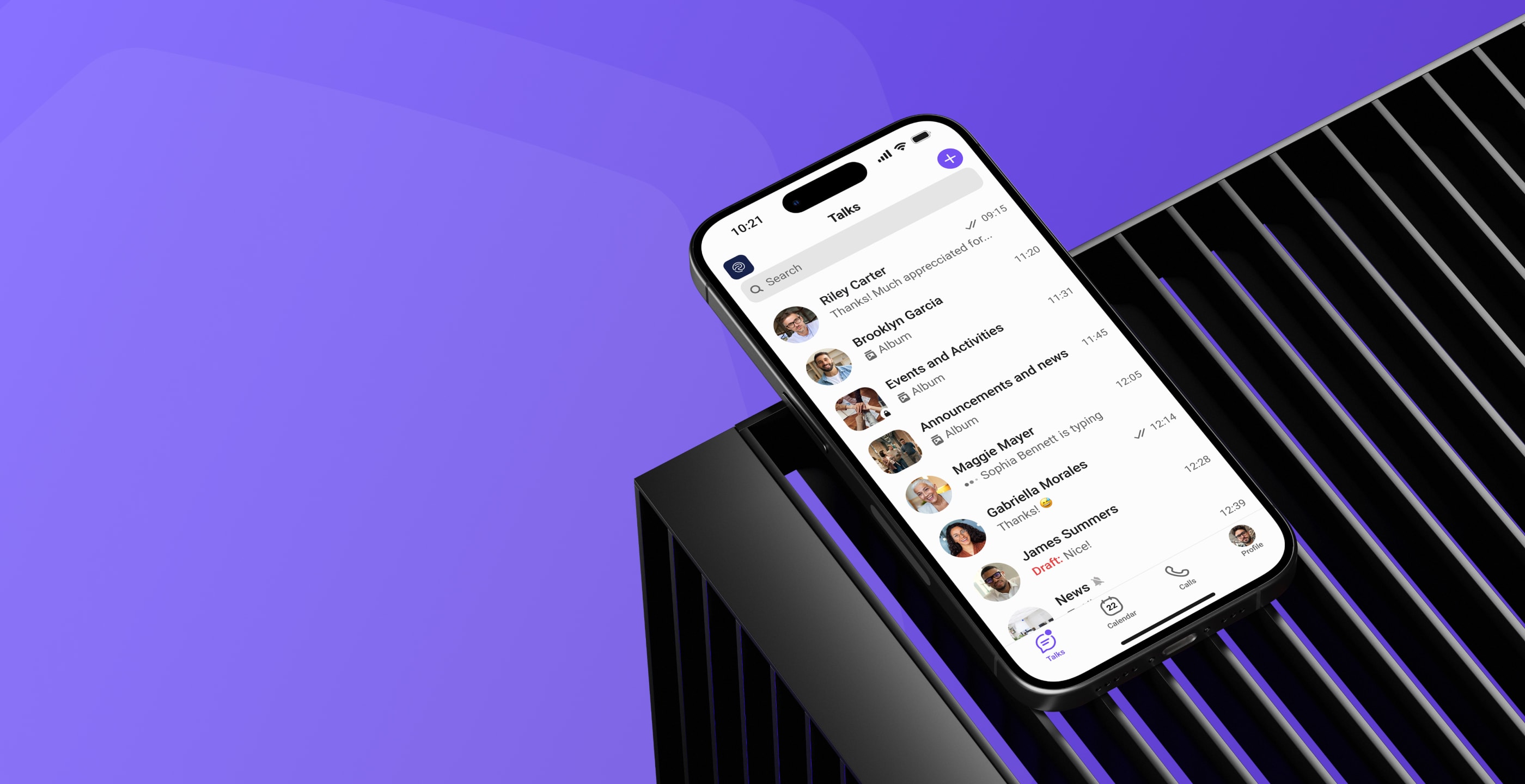
Gem Team was created as a secure corporate messenger, specifically designed to meet the strict requirements of government bodies, the financial sector, and strategic companies.
It provides a robust alternative to Microsoft Teams with a focus on security and control.

Architecture and Deployment
- On-Premise Capability: Deploy on your own servers.
- Russian Cloud Support: Deploy in a secure, local cloud environment.
- National Data Center Support: Deploy within closed departmental segments.
- Full Independence: No reliance on U.S., EU, or Chinese clouds.

"Teams-like" Functionality
- Voice and Video Calls: Includes secure group video conferencing.
- Chats & Channels: Organize communication with dedicated groups.
- Document Sharing: Securely exchange documents with an electronic signature.
- Calendar & Task Integration: Sync schedules and manage tasks.
- Group Collaboration: Work on projects together within dedicated groups.

Cybersecurity
- Full Integration: Connect with your existing SOC, SIEM, and DLP systems.
- Adaptive MFA: Ensure secure user access.
- Panic Wipe: Instantly erase data from a device in case of a security threat.
- Local Auditing: Maintain full control and track access.

Scenarios Where Gem Team Wins
- Government Agencies: Secure closed meetings, transfer confidential documents, and maintain operations during sanctions.
- State-Owned Companies and Banks: Prevent insider data leaks and integrate with internal registries and document management systems.
- Emergency Situations: Gem Team can function as a resilient communication channel during cyberattacks or internet outages.
Architecture and Deployment
- On-Premise Capability: Deploy on your own servers.
- Russian Cloud Support: Deploy in a secure, local cloud environment.
- National Data Center Support: Deploy within closed departmental segments.
- Full Independence: No reliance on U.S., EU, or Chinese clouds.
"Teams-like" Functionality
- Voice and Video Calls: Includes secure group video conferencing.
- Chats & Channels: Organize communication with dedicated groups.
- Document Sharing: Securely exchange documents with an electronic signature.
- Calendar & Task Integration: Sync schedules and manage tasks.
- Group Collaboration: Work on projects together within dedicated groups.
Cybersecurity
- Full Integration: Connect with your existing SOC, SIEM, and DLP systems.
- Adaptive MFA: Ensure secure user access.
- Panic Wipe: Instantly erase data from a device in case of a security threat.
- Local Auditing: Maintain full control and track access.
Scenarios Where Gem Team Wins
- Government Agencies: Secure closed meetings, transfer confidential documents, and maintain operations during sanctions.
- State-Owned Companies and Banks: Prevent insider data leaks and integrate with internal registries and document management systems.
- Emergency Situations: Gem Team can function as a resilient communication channel during cyberattacks or internet outages.
Your Roadmap for Transitioning
from Microsoft Teams to Gem Team
For those seeking an alternative to Microsoft Teams, a clear transition plan is essential.
Our wide network of partners ensures a seamless transition to Gem Team.
Our wide network of partners ensures a seamless transition to Gem Team.
Additional development options for the product's functionality are discussed separately with your integration partner.
The possibility of their implementation depends on your IT landscape.
The possibility of their implementation depends on your IT landscape.